




Six tested games, six different kinds of control
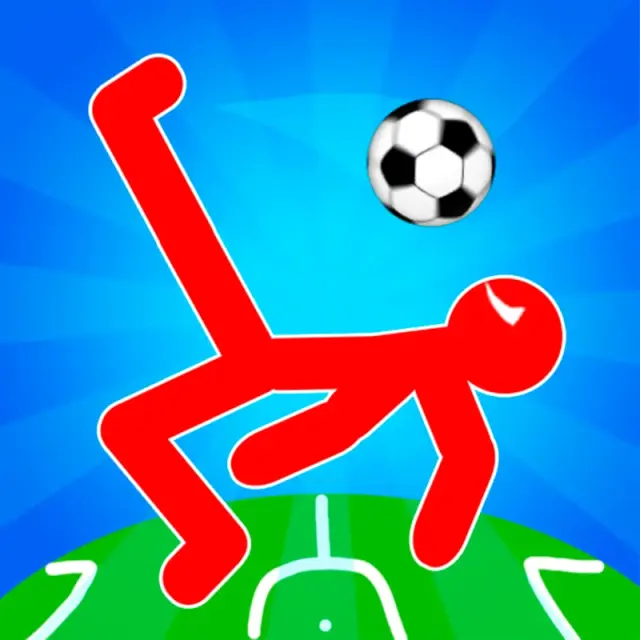
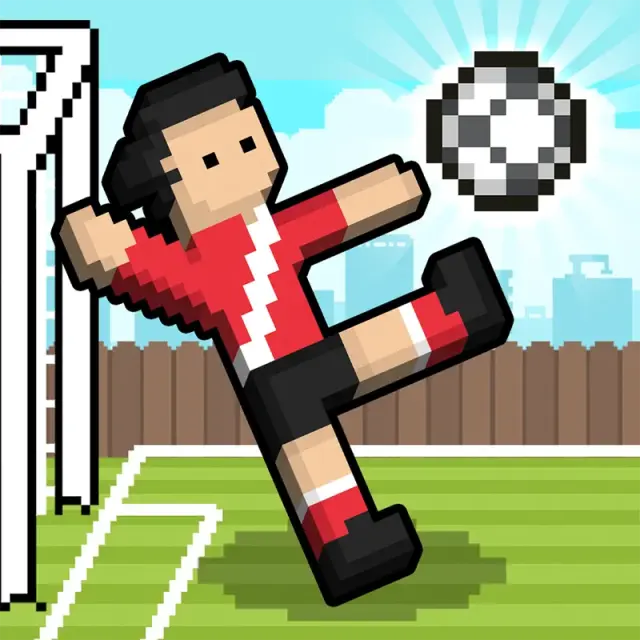
The word “arcade” describes the pace more than one fixed set of rules. These games begin quickly and make the result of an input visible almost immediately, but they do not all ask for the same skill. Soccer Random uses the Up Arrow for a physics-driven team action in its tested solo mode. Ragdoll Soccer takes the opposite approach, separating movement across WASD from its Q headbutt and E kick.
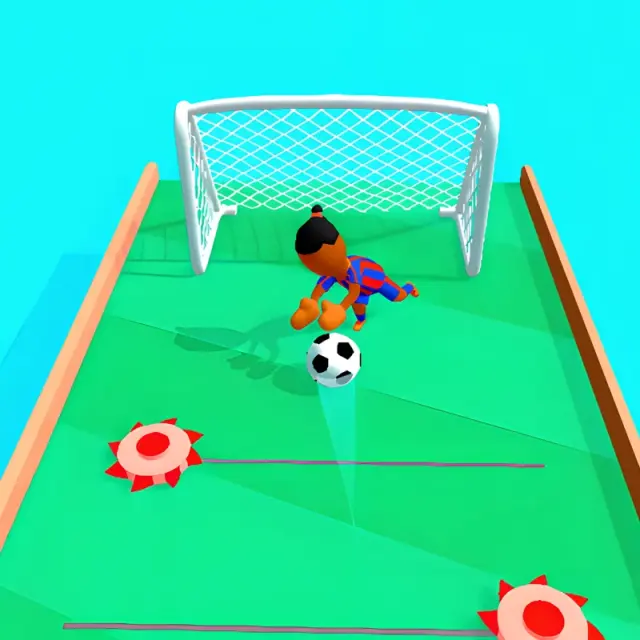
Mouse-led games differ just as much. Soccer Dash asks you to drag toward a route and release, guiding a ball along a raised obstacle course. Volley Beans responds to clicks by making the controlled bean jump toward the ball. The first is about choosing an angle; the second is about meeting a moving ball near the net.
Short sports matches with readable outcomes
Soccer Random, Ragdoll Soccer and Volley Beans all produce visible scores, yet their tested sessions unfolded differently. Soccer Random changed its pitch between rounds while retaining the running score. Ragdoll Soccer used a countdown and ended the tested Classic Match at 0–3. Volley Beans awarded points exchange by exchange, then displayed Try Again and Retry after the completed 2–3 match.
Those differences matter when choosing a game. Soccer Random suits a player who wants one-button unpredictability. Ragdoll Soccer is the more deliberate keyboard option because movement, headbutting and kicking are separate. Volley Beans removes directional keys from the tested interaction and turns timing at the net into the central decision.
Aiming, distance and progression
Golf Orbit is the clearest choice here for distance chasing and visible upgrades. A single timed click triggered each tested swing; the ball then travelled automatically while the distance changed. Three completed attempts reached 51 ft, 12 ft and 38 ft. Coins collected from result screens were used to raise Strength, Speed and Bounce from 0% to 5%, while the Clubhouse showed locked golfers and worlds beyond the starting selections.
Soccer Dash also centres on aiming, but it does not use the same timing meter. Its tested first level accepted straight and diagonal mouse drags as the ball advanced past defenders toward a goalkeeper. We reached the goal area without completing the level, so its rewards and later progression remain outside the verified guide.
A route-based American football challenge
2 Minute Football QB Legend combines play selection with click-to-receiver passing. The desktop tutorial accepted two passes, and the tested game against Texas progressed from an incompletion to a first down and then a touchdown. The first quarter ended 7–0 before the second quarter opened. Help text mentioned manual running, but our test did not isolate that movement reliably, so passing is the confirmed interaction.
This makes it a useful alternative to the instant exchanges elsewhere in the category. A route card is chosen before the receivers move, and the throw follows only after selecting a target. The short clock still gives it an arcade rhythm, but each snap includes a planning step.
How NubiGames handles untested features
All six guides linked above come from hands-on desktop sessions. Their pages separate actions completed during play from buttons or instructions that were only visible. For example, Ragdoll Soccer displayed modes we did not enter, Golf Orbit showed locked Clubhouse items we did not unlock, and 2 Minute Football displayed running instructions that we could not confirm through a clear response.
Mobile and touch compatibility remain unverified for these six games until testing takes place on real phones. A desktop-tested label therefore means exactly that; it is not a claim that a game cannot work on mobile. Advertising and purchase notes are also limited to the screens opened during each session.
Where to begin
- Choose Soccer Random for a one-key physics match against the computer.
- Choose Ragdoll Soccer when you want separate movement and striking keys.
- Choose Volley Beans for click-controlled rallies and a complete short match.
- Choose Golf Orbit for distance attempts, coin collection and basic upgrades.
- Choose Soccer Dash for mouse-drag aiming through a narrow obstacle course.
- Choose 2 Minute Football QB Legend for route selection and passing under a short clock.
The wider Arcade catalogue remains playable while its individual guides are reviewed. Use each game page’s test date and device badges to distinguish verified information from catalogue availability.