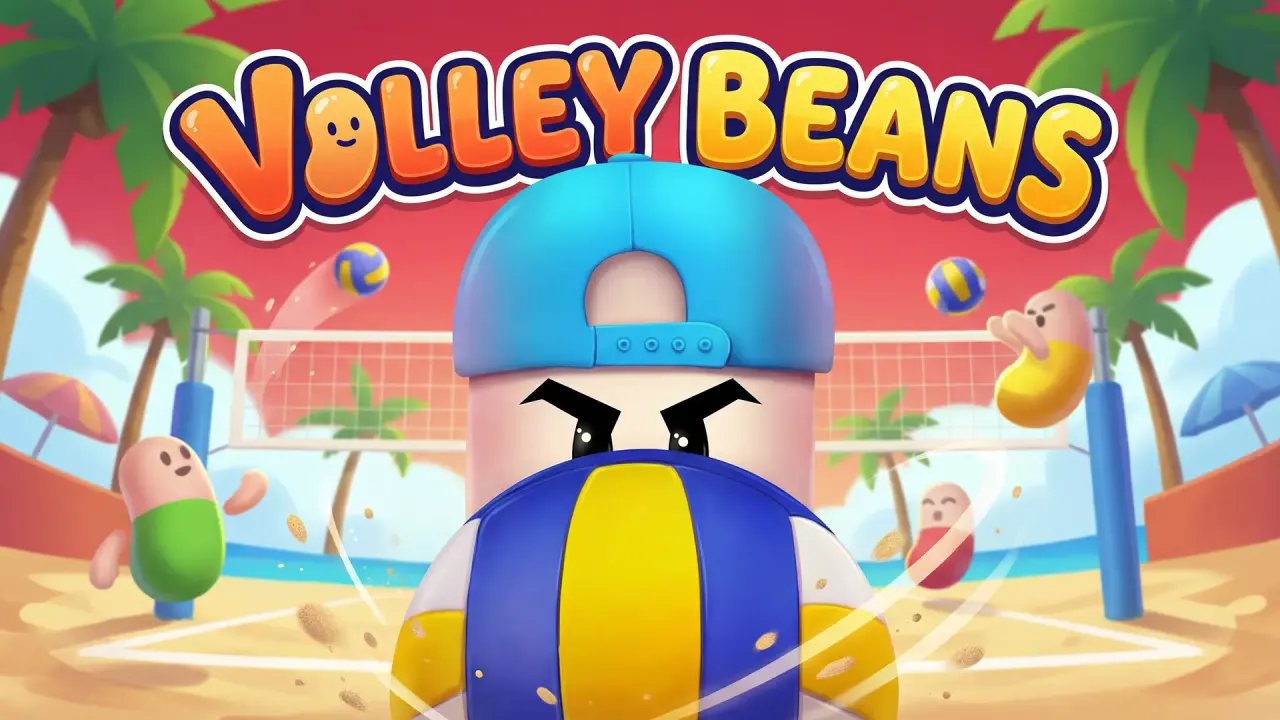
Volley Beans puts two small bean-shaped players on opposite sides of a volleyball net. NubiGames tested the browser game on a desktop computer on August 30, 2026. The playable frame loaded correctly, mouse input started the rallies, the score changed as points were awarded, and one match reached its result screen. The test also covered retrying and pausing, but it did not cover mobile devices or fullscreen.
Launching Volley Beans on NubiGames
The NubiGames player initially kept the third-party game inactive behind a Play now button. Pressing it opened the Playgama page inside the same player. A second “Let’s Play!” step then led to an interstitial advertisement before the game canvas appeared.
The opening game screen showed the Volley Beans logo above a court, two competitors and the instruction “Tap to Play”. A sound icon and a shirt-shaped icon were visible during the initial launch, but their panels were not opened. The interface text observed during the session was in English.
Desktop mouse control actually tested
A click inside the game started the next exchange. During play, mouse clicks made the blue bean on the right react by jumping toward the ball. The opponent on the left moved automatically. No directional keys were needed in the exchanges we played, and no keyboard command was verified.
We also tried repeated clicks and double-clicks. They were accepted by the game and play continued, but the session did not give us a reliable visual comparison proving a distinct second action. For that reason, this guide records the click-to-jump interaction and does not advertise a separate smash command as tested.
How a tested match worked
Each exchange began with the ball above the compact court. The players jumped near the net while the ball crossed or fell onto one side. When an exchange ended, the large score at the top changed by one point and the next ball was presented for another click.
The first completed match progressed through several visible scores, including 1-0 and 2-0, before ending at 2-3. A dark result overlay displayed “Try Again” and a green Retry button. Clicking Retry returned to the court’s start screen and allowed another match to begin.
This test confirms the point-by-point display and the result reached in that one match. It does not claim that every mode, opponent or later match always follows an identical sequence.
Pause and other visible controls
A pause icon appeared in the upper-left corner during a match. Opening it stopped the visible action and displayed “Game Paused”, with a Quit Match button and a Close option. Close returned to the rally. Quit Match was visible but was not successfully completed during the test, so its destination is not described here.
The sound and shirt icons seen on the initial screen were not explored. We therefore do not state what audio settings, outfits, currencies or unlock rules they may contain.
Advertising and test limits
An interstitial appeared between the Playgama launch page and the game. Another Playgama advertisement interrupted the transition after a later match; it displayed a countdown and then a Close Ad control. Closing it returned to Volley Beans.
No purchase screen appeared in the title screen, pause menu or matches we opened. That means only “none observed” in the tested areas, not that purchases are impossible elsewhere. Fullscreen was not activated or verified. No phone, touchscreen, controller, alternate language, costume panel or extended progression was tested, and no developer attribution was observed.
A compact arcade sports comparison
Volley Beans belongs in the Arcade games collection because the tested match used a small court, immediate mouse input and short point-by-point exchanges. It is also a relevant contrast with Soccer Random: our Volley Beans test used clicks to contest a ball over a net, while the tested solo mode in Soccer Random used the Up Arrow for a physics-driven team action.
Frequently asked questions
How do you start an exchange in Volley Beans?
Click inside the game when the ball and the tap prompt are ready. That started the next exchange in our desktop test.
Which character did the desktop test control?
The tested side was the blue bean on the right of the net. Mouse clicks made that character jump toward the ball while the left opponent moved automatically.
Where is the score shown?
Large numbers appear above the middle of the court. They changed by one after completed exchanges.
What happened at the end of the completed match?
The tested match ended at 2-3 and opened a “Try Again” overlay with a Retry button.
Can a match be paused?
Yes. The tested pause panel stopped the visible action and offered Quit Match or Close. Close resumed play.
Were the shirt and sound menus tested?
No. Their icons were visible on the initial screen, but we did not open or change either setting.