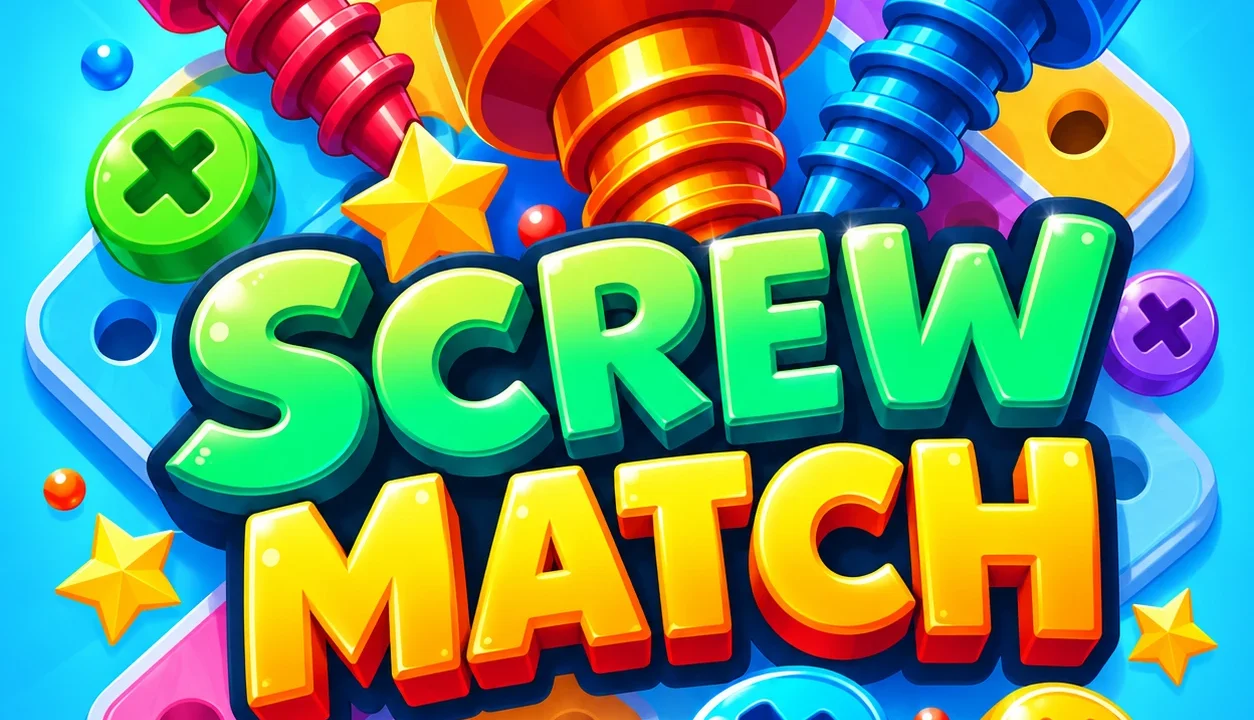
Screw Match turns a pile of coloured screws and overlapping plates into a planning puzzle. Click an accessible screw and it travels to a matching box above the board. When that colour is unavailable, the screw takes a space in the temporary holding row. The challenge is choosing which pieces to release while keeping enough room for the next move. We completed the first two levels and tested how stored screws return to the boxes.
Start with the colours above the board
- Press Play now on NubiGames, then Let’s Play! on the provider screen.
- Select the numbered level button. An interstitial advertisement may appear before the board opens.
- Check the active boxes, their colours and the empty holes in each one.
- Click an exposed screw of a matching colour. The game handles its movement into the box.
- After a box fills and leaves, check the replacement colour before choosing again.
The opening tutorial guided us through three purple screws. Filling that box brought in a brown one with five holes. Box capacity can therefore change: count the visible holes rather than assuming every colour needs three screws.
Use the holding row to open a useful path
Our boards had five temporary storage holes below the boxes. A screw without a matching active box moved there automatically. When the appropriate box arrived, the stored screw transferred into it and freed its holding space.
In level 2, we stored a purple screw while yellow and pink boxes were active. Completing the yellow box brought in purple, and the stored piece immediately occupied its first hole. Later, setting aside a blue screw let a front plate fall away and exposed the colours needed to complete the current boxes. That single temporary move created a useful route through the remaining layers.
Before spending a storage space, identify what the removal will uncover. Choosing a screw just because it is easy to reach can leave you holding a colour that does not help the next box.
Let the plates settle before clicking again
Removing one fastening can make a plate swing around its remaining screws. Releasing the last one allows it to fall, sometimes against another piece before it clears. The arrangement can change substantially after a useful removal.
A visible colour underneath a plate is not always accessible. During our second level, clicking a covered cyan screw did not remove it. Once the front plate dropped, that screw became available and completed its box. Recheck the exposed heads after each movement, especially when a nearly finished box needs one more colour.
Mouse controls and language settings
| Input | Action checked |
|---|---|
| Left-click an accessible screw | Remove it and send it to a matching box or temporary storage. |
| Click the numbered level button | Start the next available ordinary level. |
| Home-screen gear, then the language button | Open settings and choose the interface language. |
The game opened in French during our session. We selected English, then Spanish, and checked the translated settings and level screens. The settings panel also displayed sound and vibration switches. We did not verify keyboard shortcuts or tactile feedback.
Progress and rewards observed in our test
Both completed levels displayed a basic reward of 50 coins. Collecting the first reward normally increased our balance from 100 to 150. The result panels also offered a video-marked multiplier: three times on our first result and twice on the second. We did not activate those offers.
The third box position remained locked, and we finished both boards without unlocking it or using a booster. The home screen showed a separate Daily Challenge entry; that mode and the outcome of filling every storage hole remain untested.
Device checks and advertising
We tested on 22 October 2026 in desktop Chrome, including completing level 1 with the browser set to 390 pixels wide. The portrait board fitted that narrow layout and responded to the mouse. A real phone, touch input and fullscreen enlargement still need confirmation. An interstitial for another game appeared between attempts and could be closed to resume. Purchases and progress after closing the browser were not verified.
For another sorting challenge, try Nuts Puzzle: Sort By Color, or browse our puzzle games.