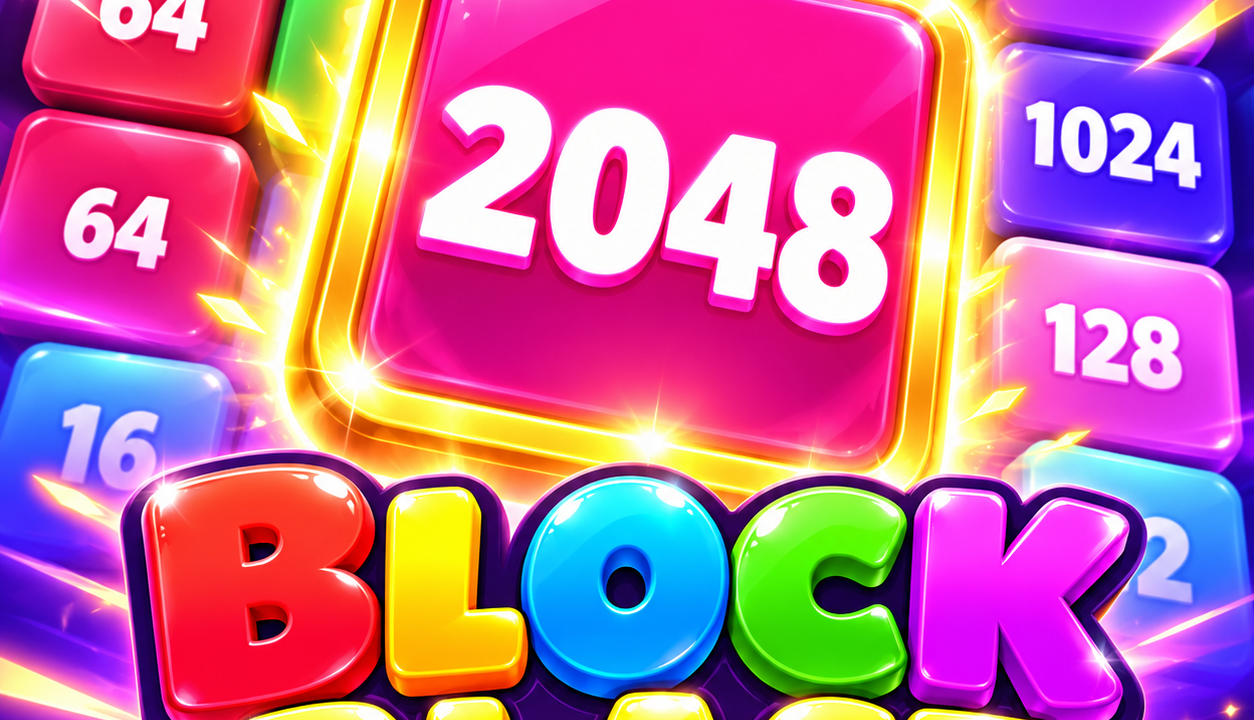
Block Blast 2048 is a number-merging puzzle played on a board of five columns and seven rows. Click a block with matching neighbours to combine the connected group into a larger number. The useful decision is not just which group to merge, but where to leave the result: a well-chosen destination can prepare your next match. Our desktop test reached a 512 tile and confirmed that diagonal connections count.
Make your first merge
- Press Play now on NubiGames, then Let’s Play! in the provider screen. An advertisement may appear before the game.
- Follow the opening tutorial. Find matching numbers that touch horizontally, vertically or diagonally.
- Click one block in the group. The matching pieces move towards that position, and the resulting block stays there.
- Wait for the column to settle before choosing again. Blocks fall into the spaces left by the merge, and new ones enter the board.
The tutorial began with two 2 tiles becoming a 4. Later prompts introduced diagonal connections and larger groups. Clicking an isolated 16 with no matching neighbour did not change our board or score.
Choose the destination, not just the group
Before clicking, compare the matching blocks around each possible destination. A merge that leaves its result beside a compatible number is more useful than one that strands it elsewhere. Include the diagonals in that check; two blocks do not need to share a full edge.
In our run, we placed a newly formed 128 diagonally beside an existing 128. Combining them created a 256 at the chosen lower position. A separate group then produced another 256 nearby, allowing the next diagonal merge to make 512. That sequence worked because we planned the position of the result before selecting the group.
Mouse controls, Hammer and Swap
| Control | Action checked in our test |
|---|---|
| Left-click a matching group | Merge it at the block you select. |
| Hammer icon, then a block | Remove that block; the pieces above fall into its column. |
| Swap icon, then two blocks | Exchange those two positions, including distant ones. |
Swap does not shuffle the whole board. Its prompt asks you to select two blocks, and our test exchanged a top-corner 2 with a distant 4. The score stayed at 114. Both tools initially showed three charges; using each once reduced its counter to two. Those remaining charges carried into the next round in our loaded session, so do not assume restarting refills them.
Read the tile goal and score separately
The first goal panel in our session displayed 512. Reaching it opened a new-maximum-block message, with 512 highlighted and 1024 shown as the next locked value. Continue returned to the same board rather than ending the game.
Our score at that milestone was 114, separate from the number on the largest tile. Ending the attempt through Settings produced a 114 result. The following round started at zero while the crown counter retained 114. We did not reach 1024 or establish a complete scoring formula.
Three decisions that help you plan ahead
- Inspect diagonals before spending a tool. A useful connection can be easy to overlook when you search only along rows.
- Account for falling blocks. Removing one tile with Hammer does not leave a permanent hole; the column changes above it.
- Save Swap for a specific pair. Decide which two positions would create a useful match before activating it.
Language, advertisements and device checks
The gear opens sound, language and restart settings. We entered in English and used the arrows beside the flag to select Spanish; French and Italian labels were also observed. Restart asks for confirmation before ending the current attempt.
We tested in desktop Chrome on 22 October 2026, including a successful mouse merge at a 390-pixel browser width. A real phone and touchscreen input remain unverified. Interstitial advertisements appeared before and during the session, sometimes with a short skip countdown. Use their close control to return to the game. Purchases and progress after closing the browser were not verified.
For a different block puzzle, read the Stack Rush guide, or explore our puzzle games.