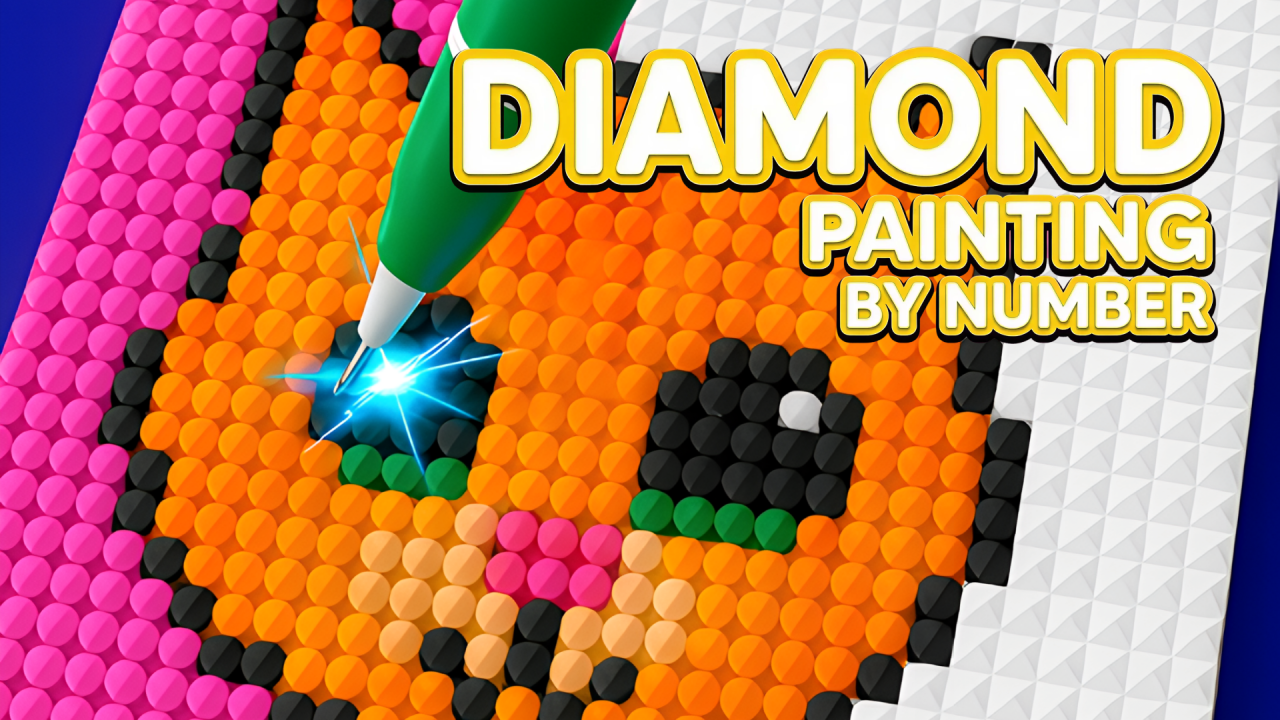
Diamond Painting by Number is a relaxing numbered-color game built around filling a pixel-style picture one shade at a time. NubiGames tested it in desktop Chrome on October 10, 2026. We completed the first diamond illustration, confirmed how correct and incorrect cells behave, inspected the gallery and stylus choices, and recorded the advertisements that appeared.
How the coloring works
Select a numbered color with a single left click, then hold the left mouse button and drag the stylus over grid cells carrying the same number. Matching cells fill as the pointer passes over them. This continuous sweep is the main painting command; isolated clicks are useful for choosing colors, pictures and interface buttons.
We deliberately moved the selected color over a cell with the wrong number. The game ignored that cell: it did not fill, and no visible penalty, currency loss or warning appeared. This makes the early picture forgiving because an imprecise sweep does not spoil neighboring colors.
First picture completed
The first image was a blue diamond on a pink background. We filled its numbered regions until the artwork was complete. The last continuous sweeps were performed manually because the automated control could only reproduce reliable straight drags, but the full result remained visible for verification.
Completion triggered a bright animation and displayed a NEXT LEVEL button. The game did not show a separate “100%” label on this result screen. Instead, the finished diamond appeared as completed in the gallery, and the Cute category showed 1/24. A basket picture was then available as the next image.
Gallery and picture progress
The gallery was divided into sections including Everyday, Cute, Custom and Gallery. Everyday displayed October 0/31, while Cute changed to 1/24 after the diamond was finished. We also saw pictures dated 10-10 and 11-10 and artwork marked as 16×16. Unstarted gallery pictures displayed 0%.
These counters provide the visible long-term progression. Only the first Cute picture was completed during this session, so later pictures, larger grids and the behavior of the Custom section remain outside the test.
Stylus tools and grid view
Three placement modes were visible: a horizontal three-point pattern, a single-point tool and a vertical three-point pattern. They indicate different ways to cover cells, although we did not perform a controlled speed comparison between all three modes.
A tutorial arrow requested a vertical gesture on the board. Performing it enlarged the grid, so it functioned as a view or zoom action in the observed sequence. The ordinary mouse wheel did not visibly zoom or move the board.
The customization area showed a blue stylus as unlocked and several other styluses as locked. No locked design was purchased or unlocked.
Mouse and keyboard controls tested
Single left click worked for numbered colors, images and buttons. Holding the left button while dragging painted matching cells and was required for efficient progress. Double-click produced no separate confirmed action. Right-click was ignored and did not open a browser context menu inside the game. The mouse wheel had no visible effect.
Arrow keys, WASD, Space and Escape were also tested during free play, but none produced a distinct game action. No keyboard painting control or keyboard pause command is therefore claimed.
Advertisements and optional content
An interstitial appeared during launch and was closed with Close ad. Another appeared after NEXT LEVEL. A football advertisement later displayed “Skip in 1s” and then a Close control. Only the close controls were used; no promotional content was opened.
A FREE gift was highlighted during a secondary customization tutorial. We intentionally stopped before accepting it, so we cannot say whether it grants an immediate item or starts a rewarded advertisement. No rewarded video, purchase or real-money offer was activated.
Settings and test limits
A settings cog was visible, but the active FREE-gift tutorial prevented access without first accepting the highlighted step. Sound, music, pause and the full settings contents remain unverified. We did not find separate Hint, Eraser, Auto Fill, Undo, Restart or Reset controls in the tested path.
The game used a portrait play area inside a horizontal desktop browser page. Mobile, touch and fullscreen were not tested. No developer is attributed because no explicit development credit was observed.
For more tested creative games, browse the Puzzle Games collection.
Frequently asked questions
How do you color a picture?
Select a numbered color, hold the left mouse button and drag across cells carrying that number.
What happens if you paint the wrong cell?
The mismatched cell was ignored, with no visible penalty during our test.
Was the first picture completed?
Yes. The blue diamond on a pink background triggered a completion animation and NEXT LEVEL.
What progress was recorded?
The Cute gallery showed 1/24, and a basket image became available next.
Were rewarded advertisements or purchases used?
No. Interstitials were closed, and the highlighted FREE gift was not accepted.