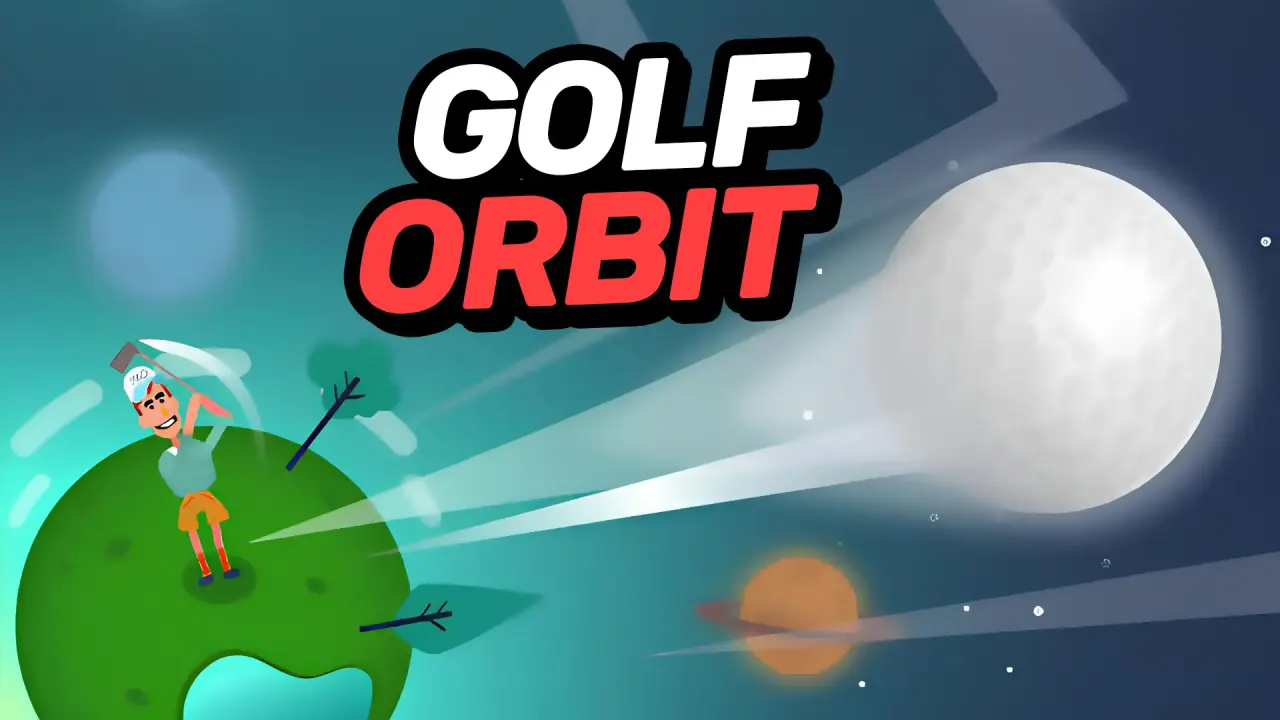
Golf Orbit is a distance golf game built around one timed click. Watch the moving meter, choose when to swing and follow the ball over the hills. Collected coins can buy upgrades before the next attempt.
Mouse control and shot timing
One mouse click inside the game triggered the swing. The meter was moving before impact, and the game displayed timing feedback after our clicks. “Great!” appeared on the first attempt, while later attempts produced “Cool!”. We did not hold the button, drag the mouse or use the keyboard.
After impact, the camera followed the ball automatically across green hills. The ball was seen descending, contacting the terrain and continuing along the slopes. A large counter updated in feet while it moved. During the third attempt, the display changed from 39 ft to 38 ft as the ball settled on uneven ground, showing that the live figure was not simply a steadily increasing total.
Upgrades bought with coins
Strength, Speed and Bounce were all visible at zero percent. Their initial coin price was 50. We bought one level of each:
- Strength: changed to “Golfer is 5% stronger”.
- Speed: changed to “Ball flies 5% faster”.
- Bounce: changed to “Ball bounces 5% further”.
Each purchase removed 50 coins and increased that upgrade’s next displayed price from 50 to 68. Video-marked X2 Upgrade buttons were also visible, but none was selected. The test did not produce enough comparable shots to claim a measured distance gain from any individual upgrade.
Clubhouse, wheel and other menus
Clubhouse opened two tabs. Golfer showed the currently selected character, a progress label of 1/24, several locked portraits and a Random Golfer button carrying a video icon. World showed the first environment selected, a 1/3 label, additional locked icons and one locked “Soon” entry. We did not unlock or change a golfer or world.
The gift marked Ready opened a Lucky Wheel containing coin and coloured-ball segments. One spin was completed, Collect was pressed, and a countdown of roughly four hours then replaced the free action; a further Spin option carried a video icon. Because the exact awarded segment could not be isolated reliably from the other coin animations, this guide does not name the wheel prize.
The sound icon was clicked and visibly changed to its muted state. A gear icon was present but did not open a panel during our attempts. Video offers for rotating VIP balls were visible and were not activated.
Practical tips
- Watch the meter move before clicking.
- Let the ball stop before comparing results: its final ground movement can change the distance.
- Compare timing feedback across several attempts instead of treating a single shot as the ideal timing.
- Check the coin price and distinguish normal purchases from video-marked upgrade offers.
For another challenge, try Soccer Dash or explore the game collection.
About our test
Desktop browser test: 30 August 2026. Three attempts were completed, with a best of 51 ft. One level of each upgrade, Clubhouse, a wheel spin and sound were checked. Interstitial ads appeared. The 200 ft unlock, optional video offers, long-term progression, keyboard, controller, phone, touch and fullscreen were not verified; no real-money purchase screen was observed.