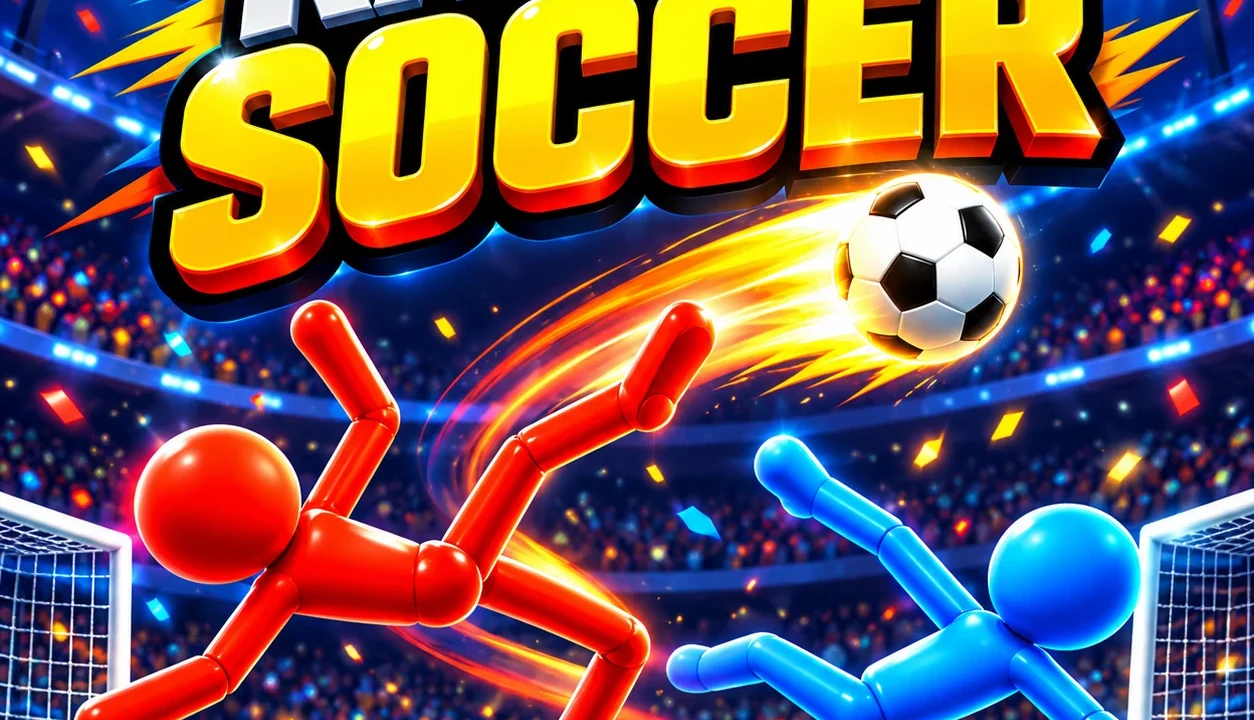
Ragdoll Soccer turns a football match into a fight for balance. Move a floppy stick figure towards the ball, then use a separate headbutt or kick to send it towards the opposite goal. Your body can keep tumbling after the strike, so getting back into position matters as much as making contact. Play a solo Classic Match or share the keyboard in the local 2 Players mode.
How to start playing Ragdoll Soccer
- Press Play now above, then Let’s Play! on the provider screen. An advertisement may appear before the game starts.
- Follow the opening tutorial: move with WASD, try Q for a headbutt, then E for a kick. Its final instructions introduce four boosters.
- From the main menu, choose Play. Use Training to practise movement, Classic Match for a solo match, or 2 Players for a shared-screen game.
- Choose a map and check the control selector. On the pitch, move within reach of the ball before striking; a kick made too far away will not move it.
Keyboard controls for both players
| Action | Player 1: blue | Player 2: red |
|---|---|---|
| Move | W, A, S, D | Arrow keys |
| Headbutt | Q | < |
| Kick | E | > |
Keep both control selectors on the keyboard icon for this setup. We used each character’s inputs in a local Field match, which ended 0–1 with Player 2 winning. Use the mouse for menu choices and the pause button. Gamepad and touch controls have not been verified by NubiGames.
Choose a mode and a map
Training is a useful place to separate movement from striking. In our Matrix session, only the blue player and ball were on the pitch, with no countdown displayed. Try moving towards the ball, stopping, then using Q or E individually to see what each action does.
Classic Match gives the physics a score and a deadline. The solo Field setup offers a difficulty selector; our earlier test used Easy against the red Enemy. Check the clock and protect your own goal while trying to finish ahead.
For local play, choose Play → 2 Players → Classic Match → map → player settings → Play. The two characters share one pitch and one screen. The same branch also contains Penalty Shootout, which we opened briefly without completing a shootout.
Field has raised goal mouths at the two ends and slopes leading towards them. Matrix uses a dark arena with coloured goal openings in its side walls. We played Field locally and practised in Matrix; there is no need to unlock Matrix to try that Training setup.
Practical ways to handle the ragdoll
- Recover before the next strike. Q and E can leave the body stretched out or on the floor. Use a short movement input to reposition, then check where the ball has gone.
- Practise height as well as distance. W moved our blue character upwards in Matrix. Combine movement with a single strike instead of treating every ball as a ground-level kick.
- Keep a route back to your goal. A forward lunge can carry you beyond the ball. If you end up on the wrong side, reposition before attempting another attack.
- Change one input at a time while learning. Training makes it easier to notice the difference between moving the body and triggering a strike than pressing movement, Q and E together.
What the four boosters do
We activated all four during the tutorial. Small Ball visibly shrank the ball. Freezer surrounded the red opponent with ice. Higher gates made the opposing red goal taller. Goalkeeper added a figure in front of the blue goal. After use, the booster buttons displayed video symbols; we did not test that replenishment path or measure effect durations.
Before you play
NubiGames retested the desktop game on 23 October 2026: tutorial, booster effects, a completed local Classic Match on Field, Training in Matrix, and a brief local Penalty Shootout check. The interface was in English. An interstitial advertisement appeared at startup; no purchase prompt appeared in these sessions. Real-phone play, touch controls and fullscreen remain unverified.
Questions before your next match
Can I play against a friend online?
The multiplayer option we tested shares one device and screen. We did not verify an online invitation or remote matchmaking system.
Why is Penalty Shootout locked?
The main mode menu showed a 50-trophy requirement in our fresh session. Inside 2 Players, a separate Penalty Shootout tile opened without that lock. We have not completed either shootout format.
Try another style of football
For a simpler input scheme, try Soccer Random, whose tested solo mode uses one action for the team. Browse the Arcade games collection for more short browser challenges.