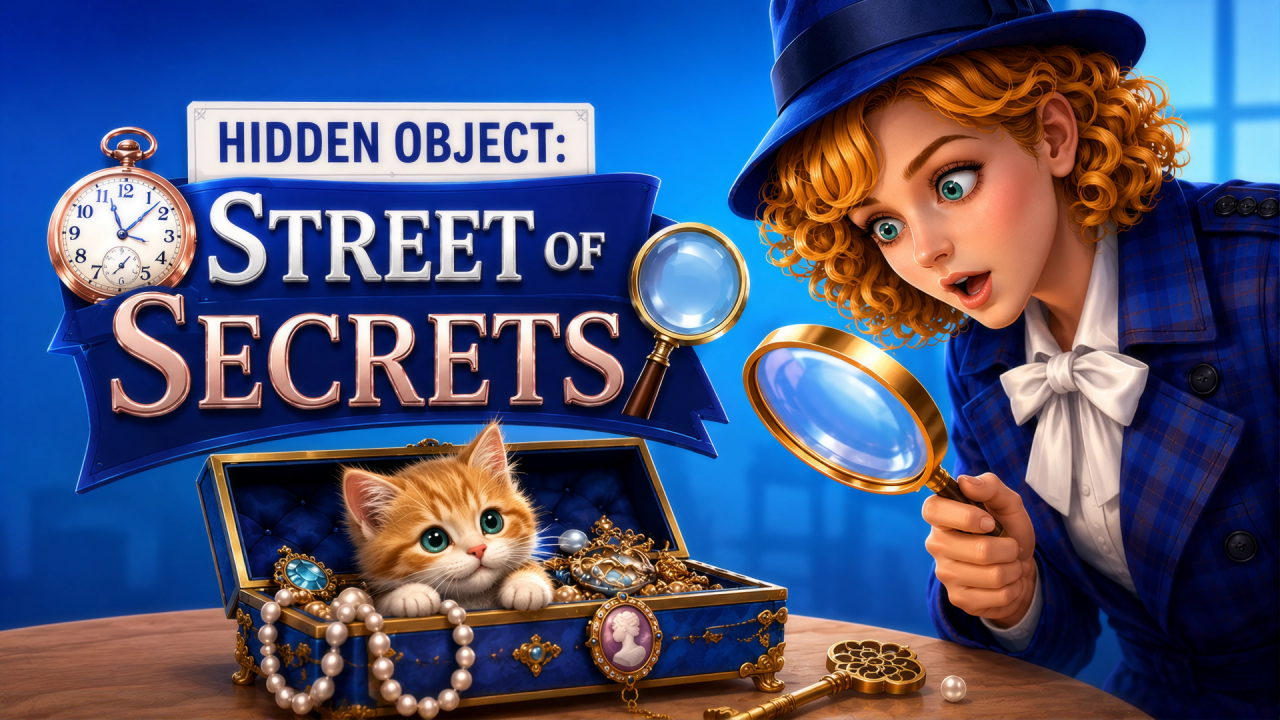
Hidden Object: Street Of Secrets is a search puzzle built around detailed scenes, object lists and limited assistance tools. NubiGames tested the English interface in Chrome on a desktop computer on September 13, 2026. We completed the five-object introductory street, reached the attic in Level 2 and used its Darts tutorial. The attic itself was not completed: its visible progress stopped at 3/20. Mobile, touch controls and fullscreen operation were not tested.
Finding the first five objects
The session began with a London-style street on the title screen and a short case introduction. Level 1 then placed the player in a busy outdoor scene. The tutorial pointed to the first target and required a normal mouse click to collect it. Objects still needed were represented along the bottom of the screen, making that strip the practical checklist for the search.
After the guided steps, the counter displayed 3/5. Two silhouettes remained: a flower basket and a handbag. Both could be identified in the street scene and collected with one click each. The basket moved progress to 4/5 and disappeared from the bottom list. Selecting the handbag removed the final target and completed the level. This observed sequence confirms that a correctly selected object is removed from the checklist and advances the counter immediately.
Mouse movement, zoom and optional buttons
The scene is larger than the fixed viewing area. Holding the mouse button and dragging horizontally panned the camera across the street during the tutorial. The game also instructed us to use the mouse wheel to enlarge the image. Manual wheel input changed the scale successfully, which helped distinguish smaller details from the surrounding decorations.
Settings offered a separate “Zoom buttons” checkbox. Enabling it added plus and minus controls on the right side of the play area. They provide a visible alternative to the wheel, although this desktop test used the wheel for the confirmed zoom action. Settings also contained separate speaker and music-note switches plus a Home button. We did not use Home to abandon the active attic search.
What the assistance tools did
The first tutorial introduced the top hint, represented by a magnifying-glass-style control, as a tool that finds one item immediately. Activating it advanced the guided search. Level 2 introduced a different tool called Darts. Its on-screen explanation said that it collects three random items at once. Using Darts in the attic changed progress from 0/20 to 3/20, directly confirming that three targets were credited.
After the Darts tutorial and the following advertisement, each of the three assistance icons visibly showed a stock of three. Only the instant-find hint and Darts had an explained or observed effect. A third assistance icon was present, but its purpose was not established during this session, so this guide does not assign it a function.
Level result and the attic
Completing the street produced a “GREAT!” result panel. It displayed Bonus 0, a coin-marked value of 20 and a separate +10 value. A video button offered an x2 option, but we selected the normal OK button instead. Because the video option was not opened, no doubled payout or rewarded-ad result is claimed. The following message stated that the mission was accomplished and that everything was back where it belonged.
Continue opened Level 2 after an interstitial. The new scene was a cluttered attic with twenty objects to find rather than five. Watering-can, iron, smartphone and striped-ball shapes were among the targets visible in the bottom list. We used Darts to reach 3/20 and inspected the controls, but did not manually locate the remaining seventeen items or trigger the attic’s completion screen.
Advertising observed during the test
An interstitial appeared after the Playgama launch screen and before the main game menu. Further interruptions occurred after the first tutorial object, between the completed street and the attic, and immediately after the Level 2 Darts action. These were closed when their controls became available. The frequency reported here describes this single session and is not a promise that every playthrough follows the same timing.
For another tested visual puzzle with selectable pieces and assistance controls, try Mahjong Classic. More search, sorting and matching titles are available in the Puzzle Games collection.
Frequently asked questions
How do you collect an object?
Compare the shapes in the bottom checklist with the scene, then click the matching visible object. A correct choice removes it from the list and increases progress.
How many objects are in the first level?
The introductory street required five objects. The tested counter reached 5/5 after the flower basket and handbag were selected.
Can the scene be moved and enlarged?
Yes. Mouse dragging panned the view and the mouse wheel changed the zoom. Settings can also display plus and minus zoom buttons.
What does the first hint do?
The tutorial describes the magnifying-glass-style hint as finding one item immediately. It was activated during the guided first level.
What does Darts do?
Darts collects three random targets at once. In the attic test, it changed the counter directly from 0/20 to 3/20.
Was the x2 reward collected?
No. The x2 video button appeared on the Level 1 result, but the normal OK option was chosen and no doubled payout was claimed.
Was Level 2 completed?
No. The attic started with twenty targets and the test stopped at 3/20 after Darts. Its remaining objects and completion reward were not verified.