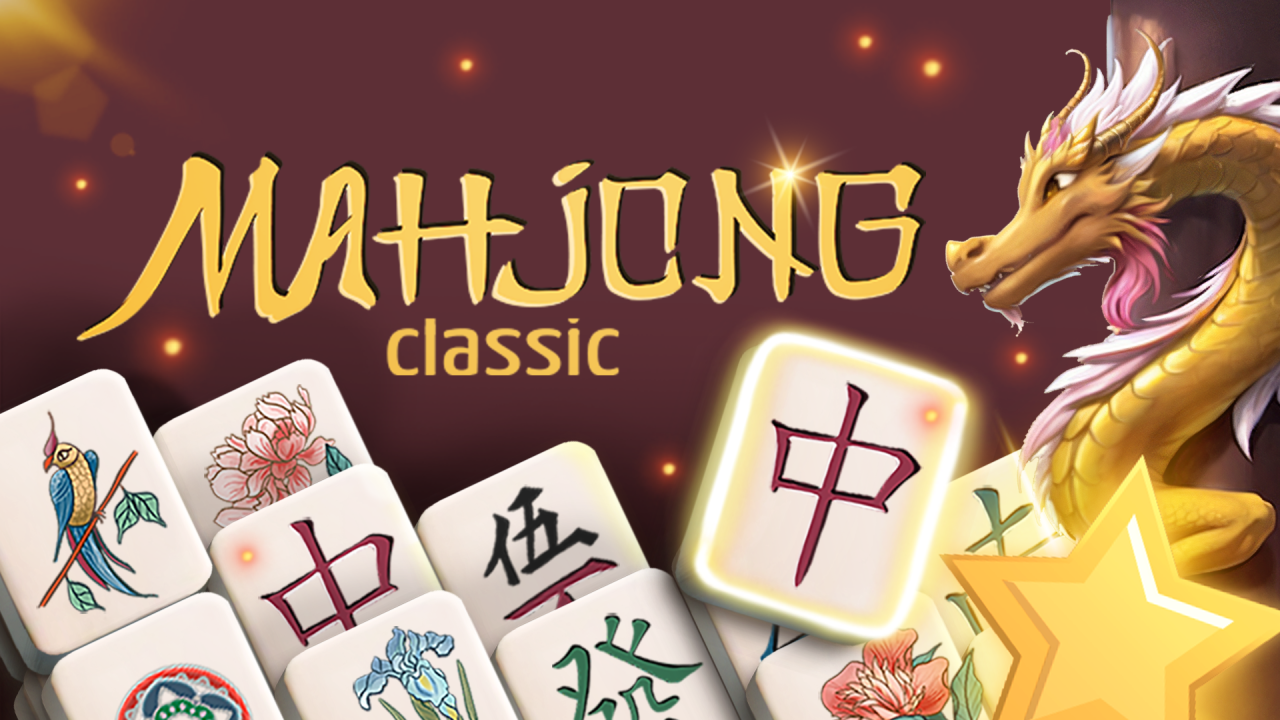
Mahjong Classic is a tile-matching puzzle with layered boards and limited assistance tools. NubiGames tested it in Chrome on a desktop computer on September 12, 2026. The session opened the Turtle layout, removed a valid pair, tried an invalid combination, restored a move with Undo, used Hint and Spotlight, and inspected Rules, Settings and Shop. The whole board was not cleared, so no victory screen or end-of-board reward is claimed. Mobile, touch controls and actual fullscreen operation were not tested.
How a match works
The Rules panel states that the goal is to clear the field. A normal pair uses two tiles with the same symbol, and blocked tiles cannot be chosen. Flowers are an exception: any two flower tiles can be paired. The four season tiles work the same way with one another. These exceptions matter because their pictures do not need to be identical.
On the tested Turtle board, Hint outlined two compatible selectable tiles in orange. Clicking both removed them. The board indicator changed from 72 to 71 and the score rose from 0 to 10. A separate attempt with two different selectable symbols did not reduce the indicator and did not add points; the last tile remained outlined. This gives a practical way to read a move: a successful pair disappears and immediately changes both visible counters.
Mouse controls and assistance tools
Play required only normal mouse clicks during this desktop check. Click one selectable tile and then its partner. The game rejects blocked pieces according to its own Rules screen. No keyboard command was needed or displayed in the screens visited.
- Hint: highlights a valid pair. Using it reduced the available Hint stock by one.
- Undo: returns the last removed pair. In the test, it restored the board indicator from 71 to 72, returned the score from 10 to 0 and reduced Undo from three uses to two.
- Spotlight: simplifies the search for tiles currently available for selection. It is distinct from Magic Shuffle and consumed one use when tested.
The Rules panel also describes a star bonus for collecting five pairs quickly, worth +500 points. That condition was visible in the instructions but was not achieved during this session. The guide therefore reports it as an explained rule, not as a collected reward.
Boards and menu options observed
The Based tab showed several layouts with numbers beside their previews: Turtle 72, Fortress 74, Spider 76, Crab 79, Horns 68 and Well 90. Heart buttons appeared beside the layouts for marking favourites, and the menu also contained Extra, Special and Favorites tabs. Turtle was the only layout played far enough to test matching and tools. The other names and values are menu observations, not completed boards.
The Turtle screen included Home, Settings, Shop and Rules controls. Settings offered plus and minus controls labelled “Chips size”, a volume slider, a Fullscreen button and language choices represented by Russian, British, German and Spanish flags. English was active during the test. The Fullscreen button was identifiable, but it was not activated, so fullscreen support remains unverified.
Shop, currencies and advertising
The Shop opened over the paused board. It displayed token bundles of +100, +500 and +2500, each with an AD badge and a gem-labelled price. Silver and Gold chests were listed for 200 and 500 tokens, with assistance-item quantities shown beside them. A separate Magic Shuffle offer promised ten uses and was listed for 30 gems. No offer, chest or rewarded ad was selected, so this test does not claim a purchase result or the effect of Magic Shuffle.
An interstitial advertisement appeared later during the active board session. It showed a countdown and a message that the game was about to continue. No advertisement was seen before the initial menu, but the later interruption confirms that ads can occur during play. No real-money payment screen was opened.
If you enjoy planning moves around limited space and legal destinations, Ball Sort Puzzle offers a different tested challenge with coloured balls and tubes. You can also browse the wider NubiGames Puzzle Games collection.
Frequently asked questions
Which tiles can be paired in Mahjong Classic?
Pair two selectable tiles with the same symbol. Any two flowers also form a pair, and any two season tiles form a pair, even when their pictures differ.
What happens after a valid pair?
In the tested Turtle move, both tiles disappeared, the board indicator fell from 72 to 71 and the score increased from 0 to 10.
What happens if the two tiles do not match?
The tested invalid combination stayed on the board. The indicator remained at 71 and the score remained at 10.
How does Hint work?
Hint outlined two compatible selectable tiles in orange. Activating it consumed one of the displayed Hint uses.
Can a removed pair be undone?
Yes. Undo restored the tested pair, returned the indicator to 72 and the score to 0, while its stock decreased from three to two.
Is Spotlight the same as Magic Shuffle?
No. Rules describes Spotlight as a way to simplify the search for selectable tiles. Magic Shuffle appeared separately in Shop and was not bought or tested.
Which board layouts were visible?
The Based tab showed Turtle, Fortress, Spider, Crab, Horns and Well. Only Turtle was used for the hands-on matching test.