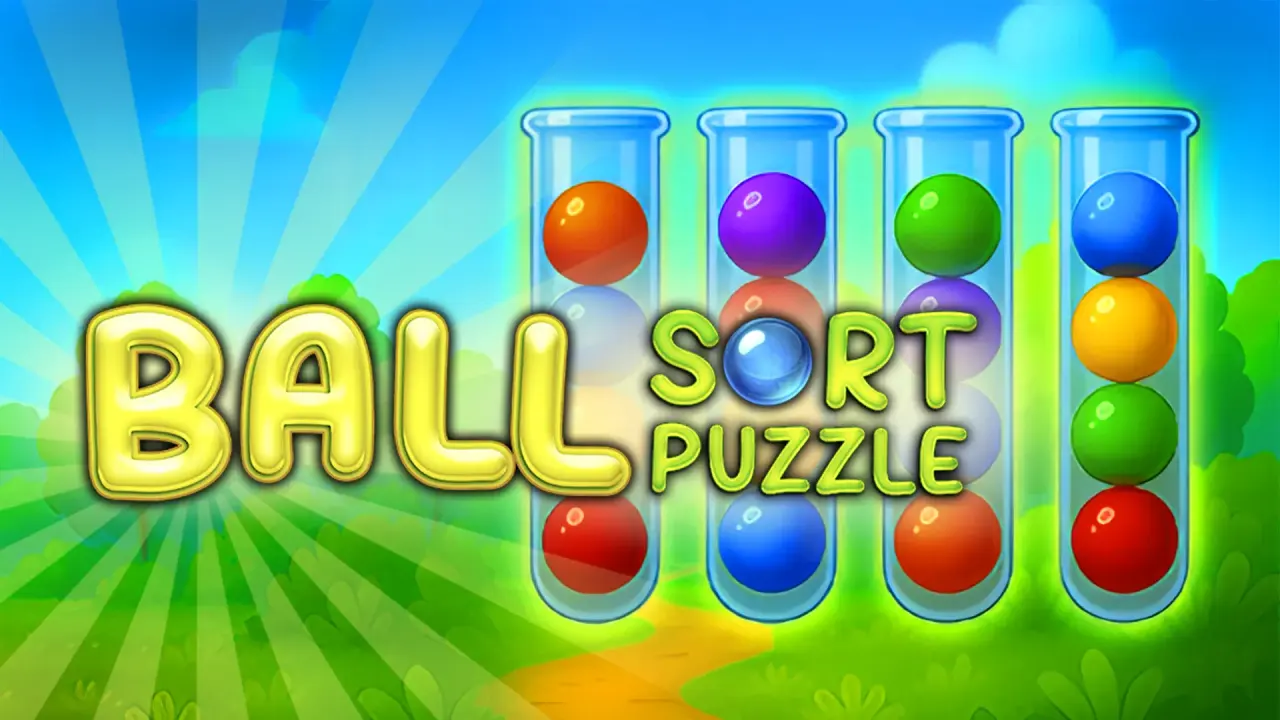
Ball Sort Puzzle is a colour-sorting puzzle presented in a tall, portrait-shaped game area. NubiGames tested it on a desktop computer in Chrome on August 30, 2026. The test reached the Classic mode menu, completed Level 1 and opened the help, home menu and shop. This is deliberately a desktop report: Opera, mobile, touch input and fullscreen were not tested and are not claimed here.
How the sorting rule works
The aim is to leave each flask either empty or completely filled with balls of one colour. The game explains that condition in its own Rules screen. In the tested first level, red and green balls began mixed across three glass flasks. A move is made in two clicks: select a flask, then select the destination. The top green ball moved from the first flask onto a green ball in the third; the game accepted that move. Moving the top red ball onto the red stack also worked. Those observed moves show the practical constraint: use an empty flask as temporary space, or place a ball on a matching colour.
Level 1 was solved by making three transfers. Once the red flask and green flask were each filled with their matching colour and the middle flask was empty, the game paused briefly and displayed Level 1 completed!. The result panel labelled the run Classic and showed a +17 coin reward. It also showed a chest at 20%. The screen had already displayed 67 coins, so the test confirms the reward display, not a starting-balance rule or a wider progression economy.
Controls tested on desktop
- Mouse: click the source flask, then click a valid destination flask.
- Help: the question-mark button opens a Rules panel with illustrated permitted and blocked flask states.
- Home and menus: the house button and the completion-screen Menu button returned to the main screen.
- Sound: a speaker icon was visible at the top of Level 1. Its on/off effect was not measured.
No keyboard command was required or observed. There was no visible undo button in the Classic level, Rules screen, completion panel or main menu visited during this session. That is not proof that undo never exists later; it is the limit of this hands-on check. Likewise, a purple Skip button appeared above Level 1, but it was not pressed, so this guide does not state what it costs or where it leads.
Menus and help observed
Pressing Play opened a mode menu with buttons labelled Classic, Sticky, Meditation, Challenges and Time Attack, plus Menu. Only Classic was played. The other labels are visible choices, not modes verified through play. The first Classic entry opened the Rules panel before the level. Its examples made the success condition concrete: a flask containing a single completed colour is acceptable, and an empty flask is also acceptable. The panel had an OK button to continue to Level 1.
The main screen also offered Shop, Claim and Mail. Claim and Mail carried red notification dots in the observed session, but neither was opened. Shop was opened without making a purchase. It showed a collection of locked-looking items marked with question marks, each displaying 250 next to a coin icon, and a 1/2 page indicator with a next-page arrow. This confirms an in-game coin-priced shop display; it does not establish whether an item unlocks at that price, whether coins can be bought, or whether the second page has the same contents.
Advertising, purchases and other limits
No advertisement appeared while the game loaded, while opening Classic, during the Rules panel, after completing Level 1, or while opening Shop. One short desktop session cannot prove that the game is ad-free, so advertising is recorded as not observed in this test, not “none”. No payment screen, purchase prompt or currency purchase was opened. In-game purchases therefore remain unverified.
The page and game loaded in Chrome on desktop. The embedded game itself uses a portrait-oriented frame even on that computer. No fullscreen control was observed in the screens tested. Longer Classic progression, the behaviour of Skip, the other mode buttons, the Claim and Mail panels, an undo or restart function, and any limits on coins or lives were not tested. The game’s interface text observed in this session was English. For more browser logic titles, see the NubiGames Puzzle Games collection.
Frequently asked questions
How do I move a ball in Ball Sort Puzzle?
On the tested desktop version, click the flask holding the top ball, then click a valid destination flask.
What finishes Level 1?
Level 1 completed when the red balls and green balls were each grouped in their own filled flask and the remaining flask was empty.
Is there an undo button?
No undo control was visible in the Classic screens tested. Later levels were not checked, so this is not a claim about every screen in the game.
Does the game have help?
Yes. The question-mark button opened a Rules panel with examples and an OK button to continue.
What does the shop show?
The tested shop showed locked-looking items marked 250 coins and a page indicator reading 1/2. No item was bought or unlocked.
Which game modes are shown?
The mode menu displayed Classic, Sticky, Meditation, Challenges and Time Attack. Only Classic was opened and played during this test.