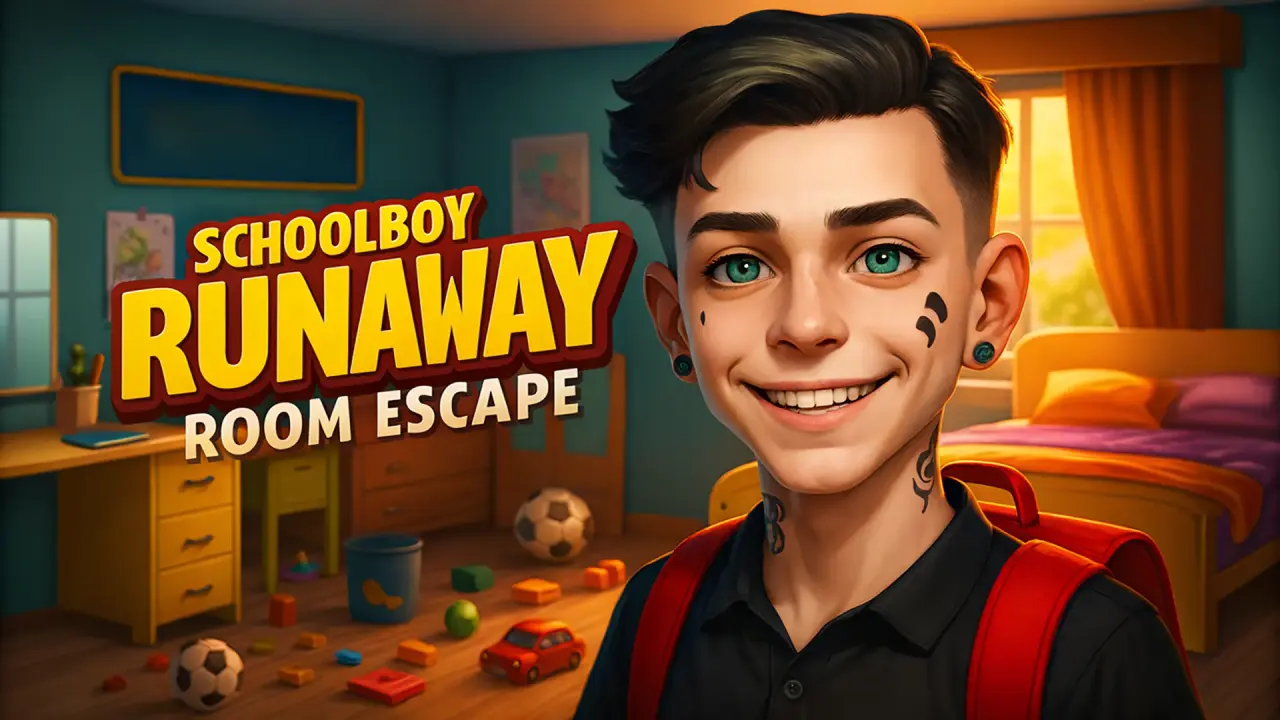
Schoolboy Runaway: room escape is a first-person search game set, at least in the tested opening, inside a bathroom. NubiGames played the browser version on a desktop computer on August 30, 2026. We launched the external game, moved around the room, used the mouse camera, inspected the objective list, operated the sink faucet, tested the item-finding shortcut and opened the pause menu. Progress reached 1/8 objects. We did not complete the room or reveal the locations of the remaining targets.
Launching through NubiGames and Playgama
The NubiGames player initially displayed Play now instead of loading the third-party game at once. Pressing it opened the embedded Playgama card, where “Let’s Play!” started the next step. A full interstitial creative appeared before the game scene loaded.
The playable view opened in landscape and used a central crosshair. A wooden panel at the top showed “Items 0/8” and eight illustrated targets. Clearly recognisable examples included a tomato, globe, toothbrush and cookie; other small silhouettes looked like containers or household tools, but we did not assign exact names to every icon. A large tutorial arrow said “Find these items!”.
Tested movement and camera control
Forward keyboard input moved the viewpoint closer to walls, the door, bathtub and sink. Mouse movement turned the first-person camera horizontally and vertically. The camera could look from the tiled floor up to the ceiling lamp, and movement changed our distance from bathroom fixtures. This confirms desktop keyboard movement and mouse-look in the tested scene.
The top-right interface displayed Tab beside “Show mouse” and M beside a pause symbol. We pressed Tab, but could not isolate a clear visual state change, so this guide does not claim a verified cursor mode. We did use M successfully to open the menu. Only forward movement was deliberately confirmed; we did not map every movement key or test a controller.
The opening objective and visible room
The immediate objective was to find eight objects matching the pictures in the top panel. The bathroom contained a bathtub beneath a window, a sink with a cabinet, a toilet, tiled walls and floor, a towel rack, a door, bottles, a cup-like holder and small items around the basin. These furnishings were visible, but visibility alone does not mean each one was collectible or part of a puzzle.
We approached the door and clicked while inspecting it, but did not confirm an open passage or a transition to another room. No keypad, combination, inventory screen or solved lock was observed. The tested challenge was therefore the item search and environmental inspection, not a completed escape route.
A real interaction at the sink
Near the basin, careful mouse aiming placed the crosshair on the black faucet. Clicking it produced a bright stream of running water. This was the clearest manually completed environmental interaction in the session.
A small blue object was also visible on the sink beside the faucet and holder. After we aligned the crosshair and interacted, it was no longer visible on the counter, but the objective stayed at 1/8 and the pictured toothbrush remained in the target panel. We therefore do not count that action as a confirmed quest-object collection or identify the object more precisely.
How progress reached 1/8
A separate panel read “Find Item — Press R” and carried a video symbol. Pressing R opened a rewarded advertisement. When the game returned, the counter had changed from 0/8 to 1/8 and the tomato picture had disappeared from the target row. This is the only confirmed objective progress in the test, and it came from the video-marked helper rather than from finding the tomato manually.
We stopped at 1/8. The other seven objects, the consequence of completing the list, later rooms and the final escape were not tested. This avoids turning the page into a full solution and keeps the distinction between observed progress and uncompleted content clear.
Pause menu, visible character and advertising
Pressing M opened a menu with “Turn off sound” and “Back”. We did not use the sound option. The menu background displayed an adult woman facing the camera. She was visible there only: we did not meet, follow or interact with her in the playable bathroom and do not assign her a role.
Selecting Back returned toward play through another interstitial advertisement. The R helper also produced a rewarded ad before granting the 1/8 progress, in addition to the advertisement seen during startup. No purchase screen appeared in the areas opened, which means only that none was observed during this test.
Limits of the desktop test
We verified the launch, first-person forward movement, mouse camera, the bathroom layout, faucet interaction, R helper, 1/8 progress and M menu. We did not finish the eight-object task, confirm a door transition, solve a code or lock, enter another room, establish the woman’s role, test every key, or verify long-term progression. Mobile, touchscreen, controller and fullscreen remain untested. No developer attribution was observed.
Find it in Action Games
Schoolboy Runaway: room escape is listed in the Action Games collection. We have not added a second game link because the already tested NubiGames titles use substantially different sports or trajectory mechanics and would not provide a useful direct comparison to this first-person object search.
Frequently asked questions
What is the first objective in Schoolboy Runaway: room escape?
The opening panel asks you to find eight pictured objects. Our session started at 0/8 and stopped at 1/8.
How do you move and look around on desktop?
W moved the viewpoint forward, while mouse movement rotated the first-person camera. Other movement directions were not deliberately mapped in this test.
Which interaction was completed manually?
We aimed the crosshair at the sink faucet and clicked. A visible stream of water began running.
Was an item found without searching the room?
Yes. Pressing the video-marked R helper played a rewarded ad, changed the counter to 1/8 and removed the tomato icon. We did not find that tomato manually.
Did the small blue sink object count toward the eight targets?
Not during our test. It disappeared from view after interaction, but the counter remained at 1/8 and the toothbrush icon stayed visible, so we do not claim a confirmed collection.
Was the bathroom door opened?
We approached and clicked the door, but did not verify an open passage or reach another room.
Was the woman encountered during play?
No. An adult woman was visible as part of the pause-menu screen only. We did not encounter or interact with her in the bathroom.